Sword slash combo
R15 · 3 s
Text to R15 · .rbxmx + FBX
Describe a move in plain English. Get 4 R15 variations to preview in 3D, then export .rbxmx or FBX for Roblox Studio. No Blender.
Sample · AI-generated. Your result will play here.
From 4 credits per generation · 1 free preview a day · Exports: .rbxmx, R15 FBX, Mixamo FBX
7-day refund · Commercial license on every paid plan
R15 · 3 s
R15 · 4 s
R15 · 4 s
R15 · 3 s
R15 · 2 s
R15 · 2 s
R15 · 4 s
R15 · 3 s
R15 · 4 s
R15 · 4 s
R15 · 4 s
R15 · 4 s
See all 24 free Roblox animations
Every sample here is AI-generated with MocapGen and shows typical results, not hand-picked best takes.
MocapGen is a Roblox animation maker that turns a short English prompt into 4 R15 animation variations. You preview them in 3D in your browser, then download .rbxmx for Roblox Studio, R15 FBX, or Mixamo FBX. Paid generations start at 4 credits.
Some people call it a Roblox animator or a Roblox animation generator.
Information checked October 4, 2026.
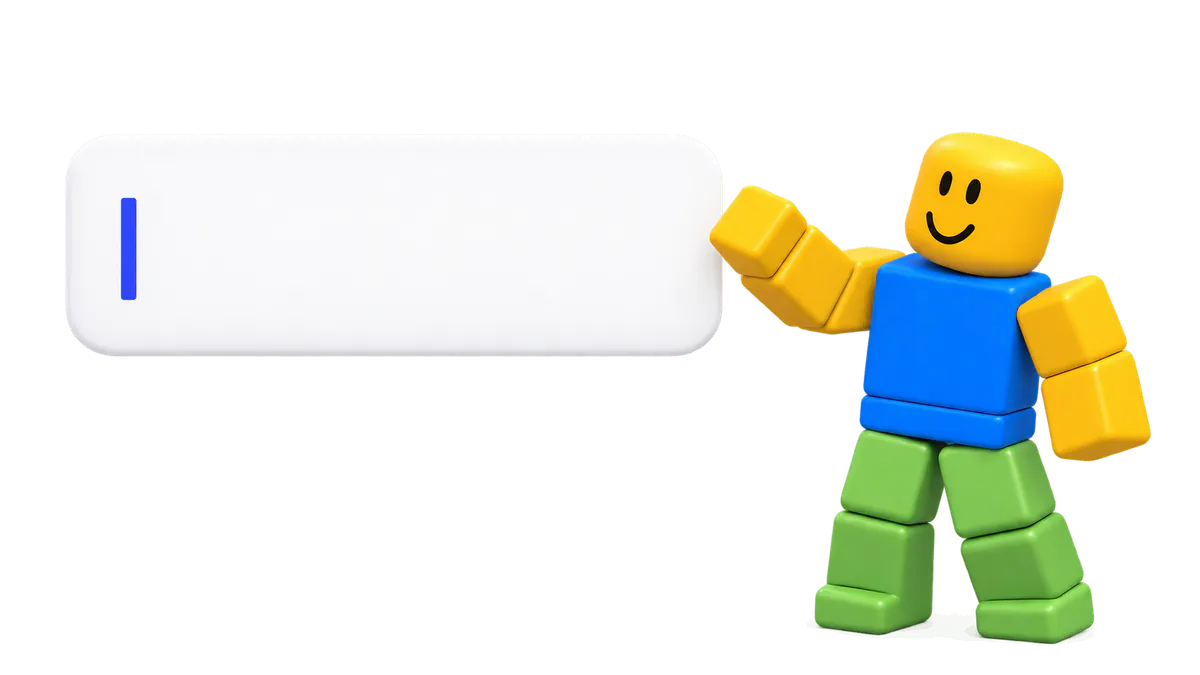
Write one or two sentences, like “a tired zombie shuffles forward, arms hanging low.” Open Options to set length, strength, or motion mode.
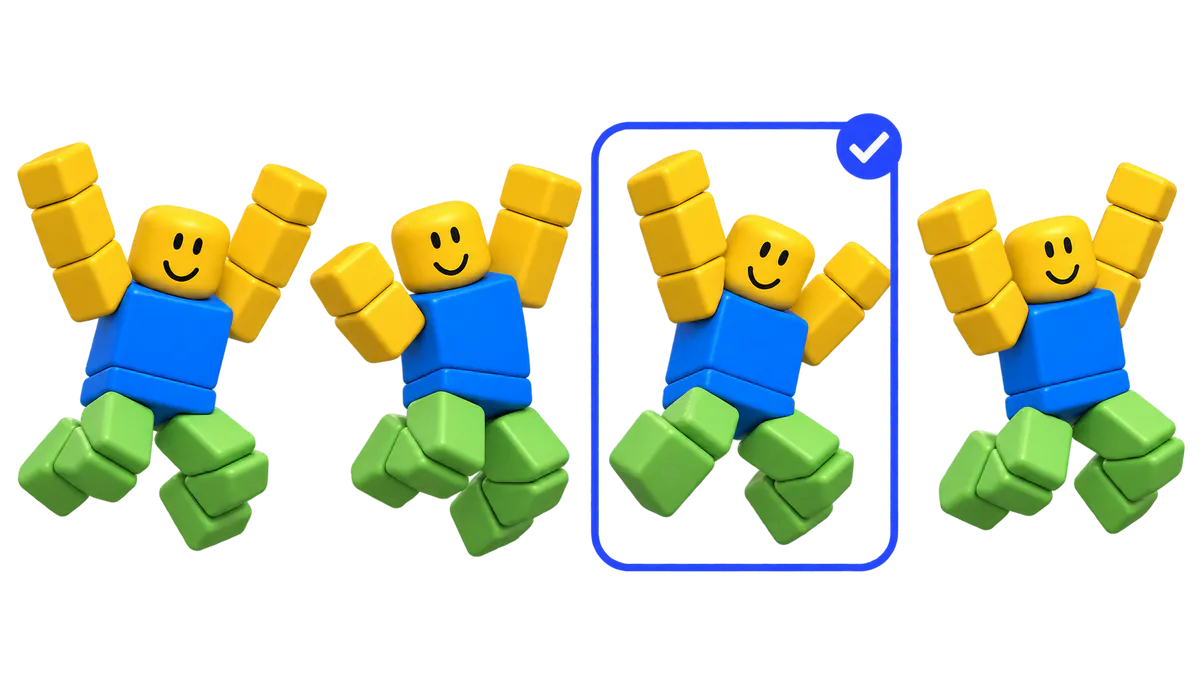
Every run gives you 4 takes on the same prompt. Play them on an R15 dummy, change the speed, and keep the one that fits.
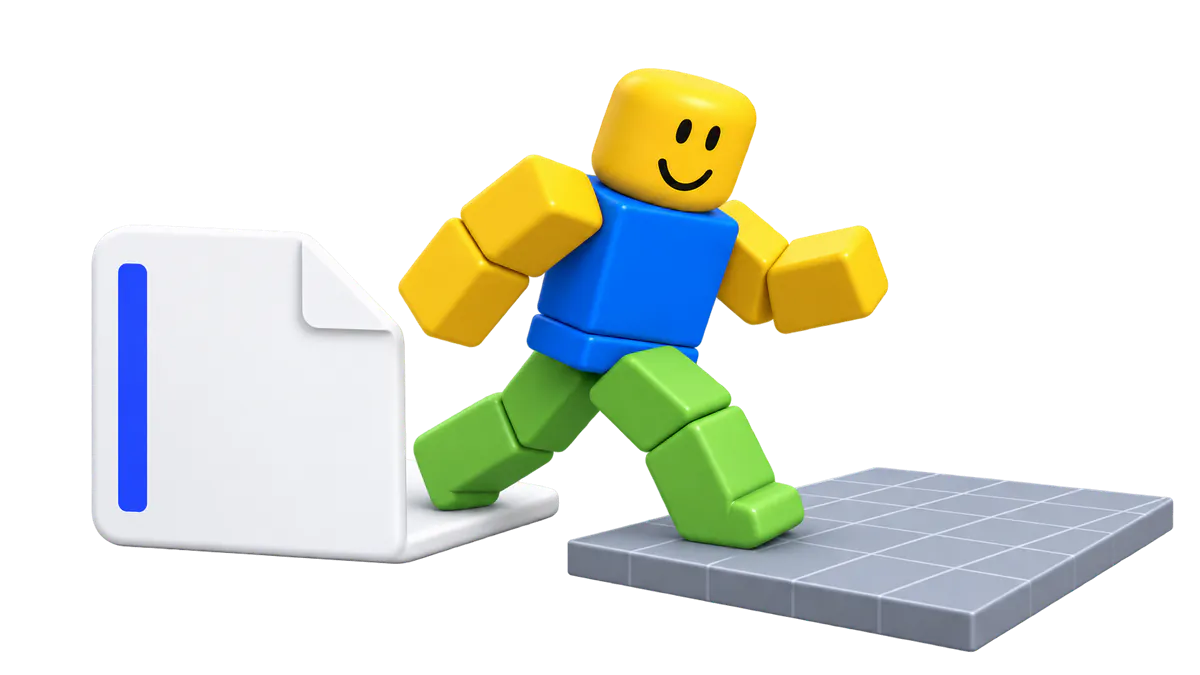
Download the .rbxmx file and choose Insert from File in Studio. Open it in the Animation Editor and publish it to get your animation ID.
Prefer to animate by hand? Our guide on how to make Roblox animations compares Studio, Moon Animator, and AI.
A good Roblox animation maker also saves you time after the animation exists. Here's how.
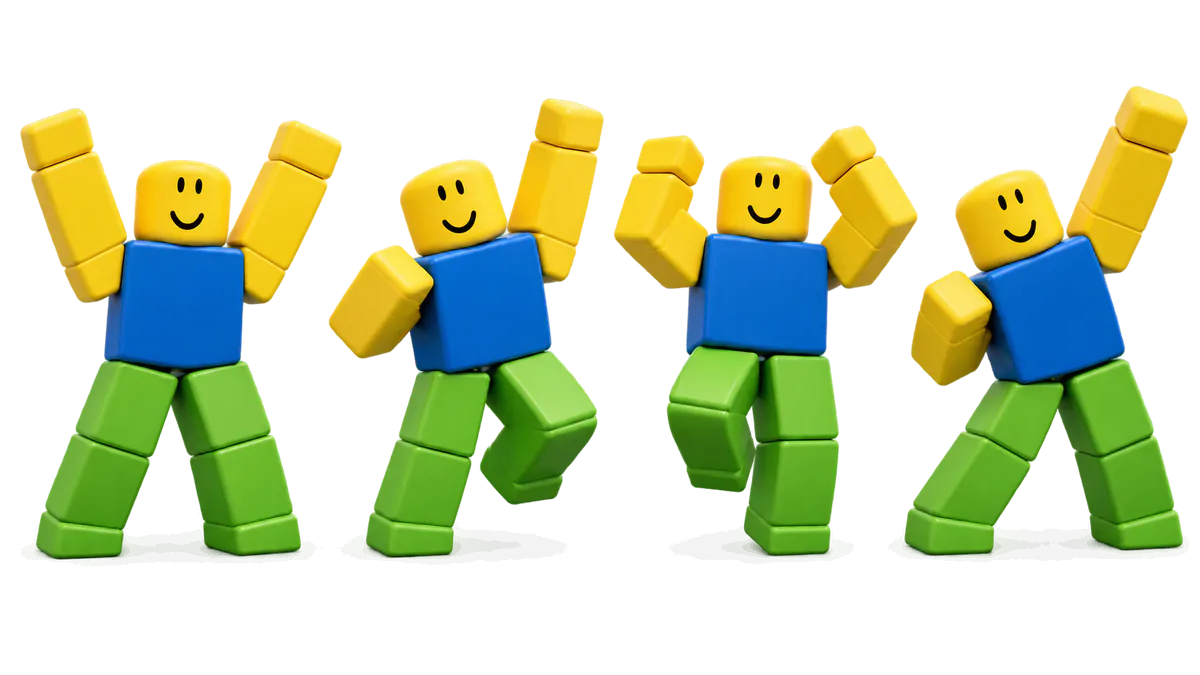
Motion is hard to put into words. Four takes per prompt means you rewrite less and choose more.
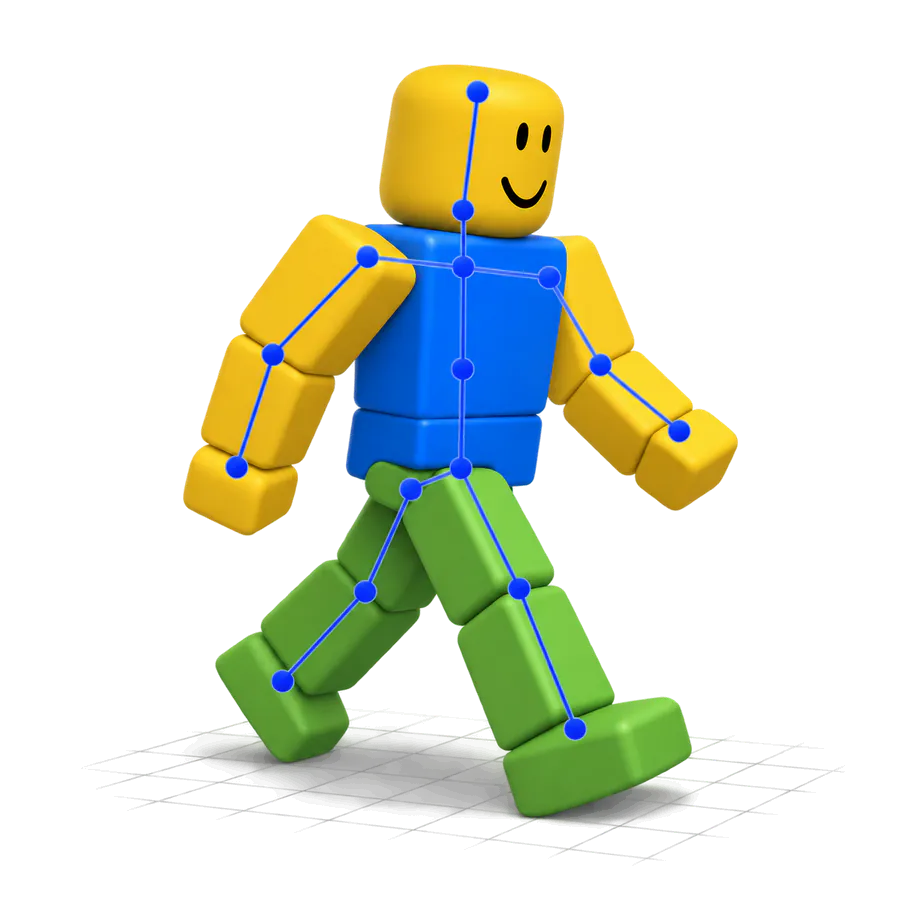
Files come out on the R15 rig, and the .rbxmx drops into Studio with Insert from File. No Blender, no plugins.
Each variation is checked for length, root drift, joint speed, and missing R15 parts, so you see problems before you import.
1 credit per second with a 4-credit minimum. A 6-second move costs 6 credits, and every export format is included.
Use what you make in your games and in monetized videos, on any plan or credit pack.
MocapGen does text to animation for Roblox. An AI motion model creates the body movement from your words, then fits it onto the R15 rig so the joints match a Roblox avatar. You pick the take and can polish keyframes later in the Roblox Animation Editor.
Know these limits before you start:
Every paid generation includes all three formats:
| Format | Where it goes | Best for |
|---|---|---|
| .rbxmx | Roblox Studio, Insert from File | Game animations and Studio scenes |
| R15 FBX | Animation Editor import, Blender | Editing keyframes by hand |
| Mixamo FBX | Unity, Unreal, Blender | Other engines and rendered shots |
You can try MocapGen before paying. Watch samples, browse the gallery, and grab our free Roblox animations once signed in. Signed in, you also get 1 free preview a day: 2 variations, up to 4 seconds, played online. Unlock it to export files.
Need a fully free route? Roblox's own Animation Capture turns a video under 15 seconds into R15 keyframes inside Studio.
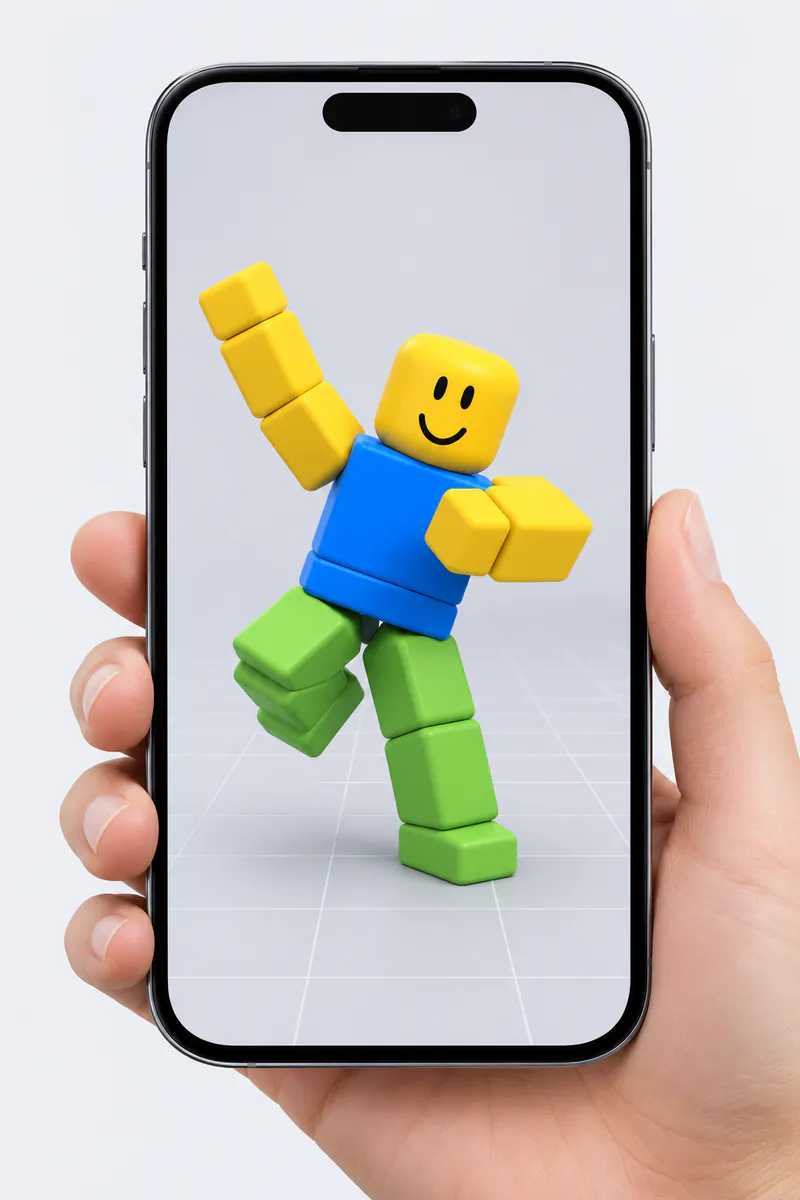
MocapGen works in your phone's browser, no app to install. Write and preview there, then download the files on the computer where you run Studio.
| Tool | Input | Free option | Roblox output | Getting it into Studio |
|---|---|---|---|---|
| MocapGen | Text | 1 free preview a day, online only | R15 .rbxmx, R15 FBX, Mixamo FBX | Insert from File, no plugin needed |
| nocapmocap | Text, video | No free credits | R15 FBX, Mixamo FBX | Its Studio plugin, or FBX import |
| DeepMotion SayMotion | Text | 3 credits a month, no commercial use | FBX with an R15 Block character | FBX import in the Animation Editor |
| Roblox Animation Capture | Video under 15 s | Built into Studio as a beta | R15 keyframes in Studio | Already inside Studio |
NoCapMocap is a strong pick if you want its Studio plugin today. MocapGen gives you a native .rbxmx file without any plugin, a free daily preview, and a Roblox check on every take. For a wider roundup, read our best Roblox animation maker comparison.
Credit packs are $7 for 25 credits, $20 for 100, and $40 for 250, and pack credits never expire. Monthly plans are Starter at $9 for 50 credits, Pro at $29 for 250, and Studio at $79 for 1,000; plan credits last 30 days.
Since 1 credit buys 1 second, that is $0.079 to $0.28 per second of animation.
See all plans on the pricing page.
My Motions keeps your generations for 30 days on credit packs and Starter, 60 days on Pro, and 90 days on Studio.
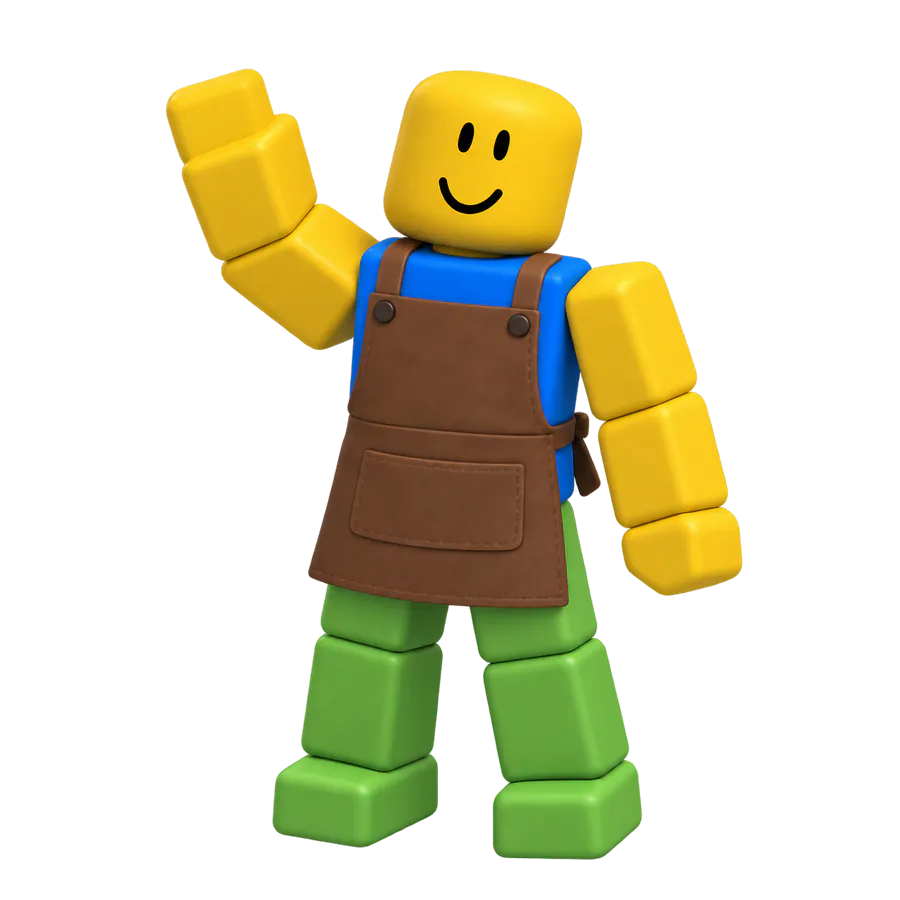
Shopkeepers waving, guards looking around, villagers sitting down. Use In-place so they stay on their spot.
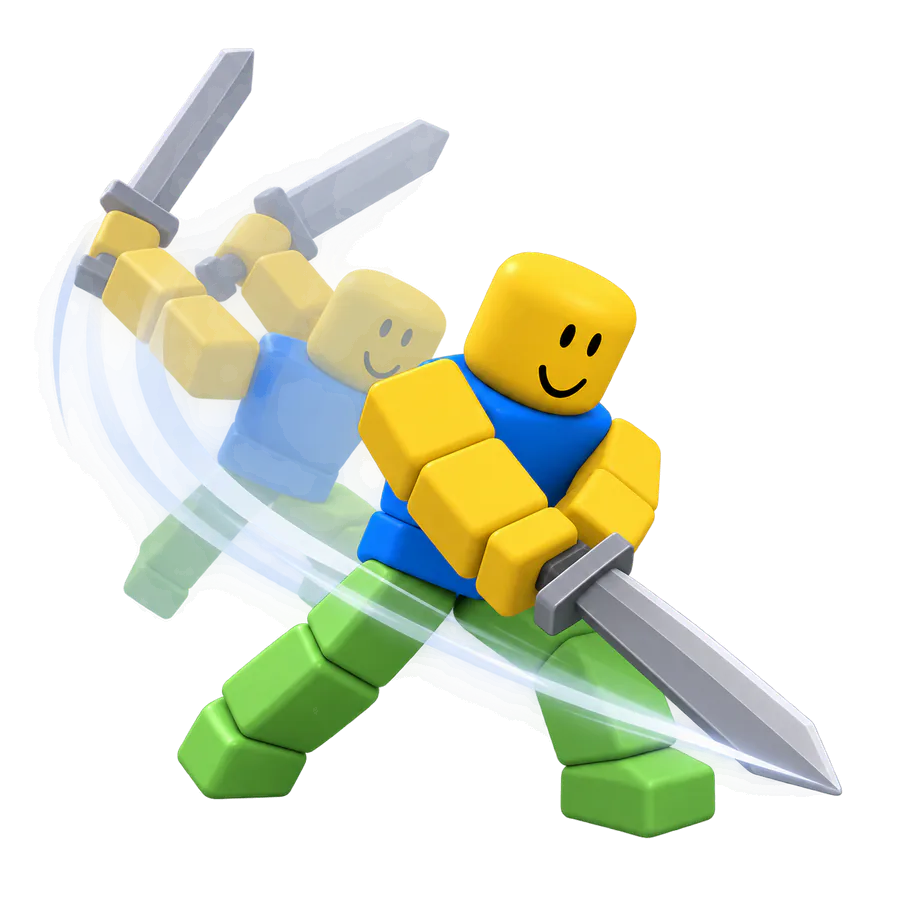
Use it as a combat animation generator for sword swings, dodges, hit reactions, and knockdowns.
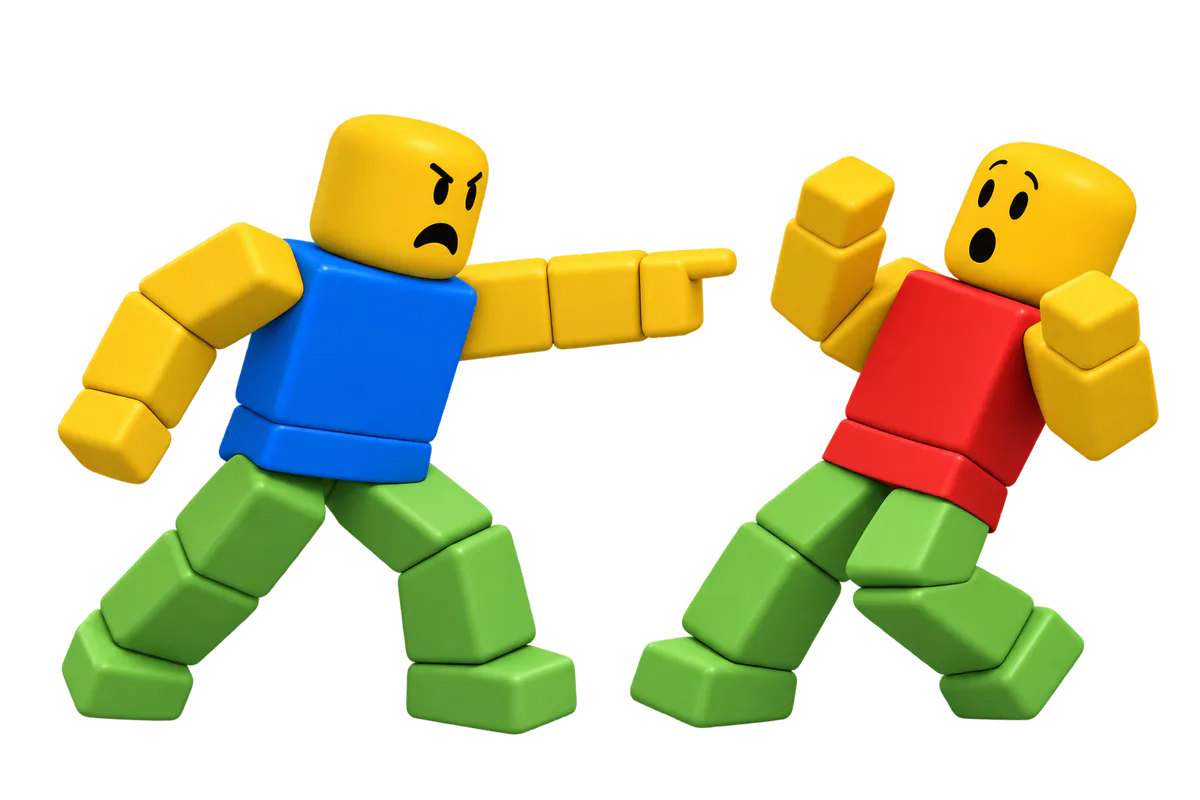
Body acting for Roblox story videos on YouTube.
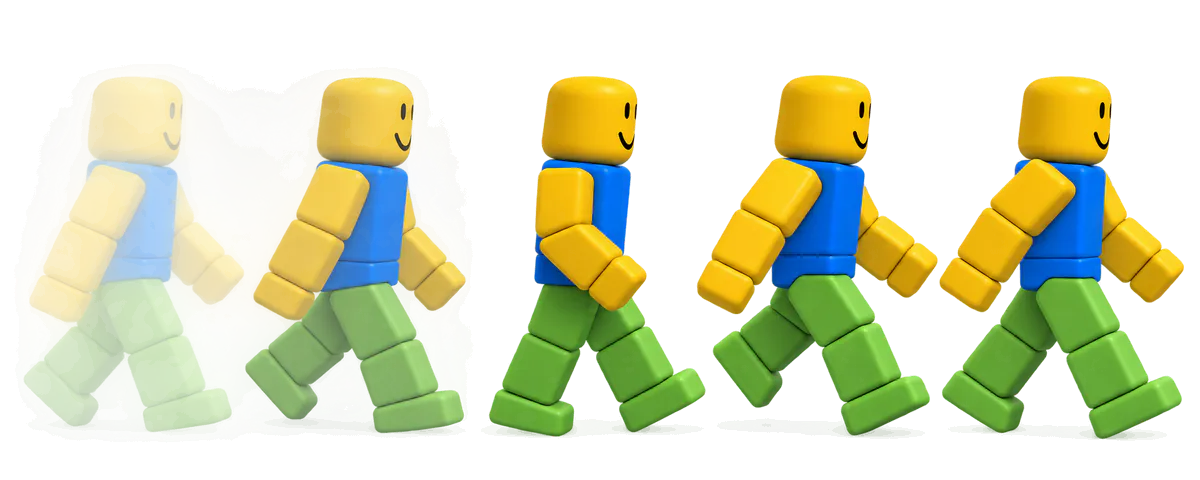
Want a sneaky, tired, or proud walk? Start from the Roblox walk animation page.
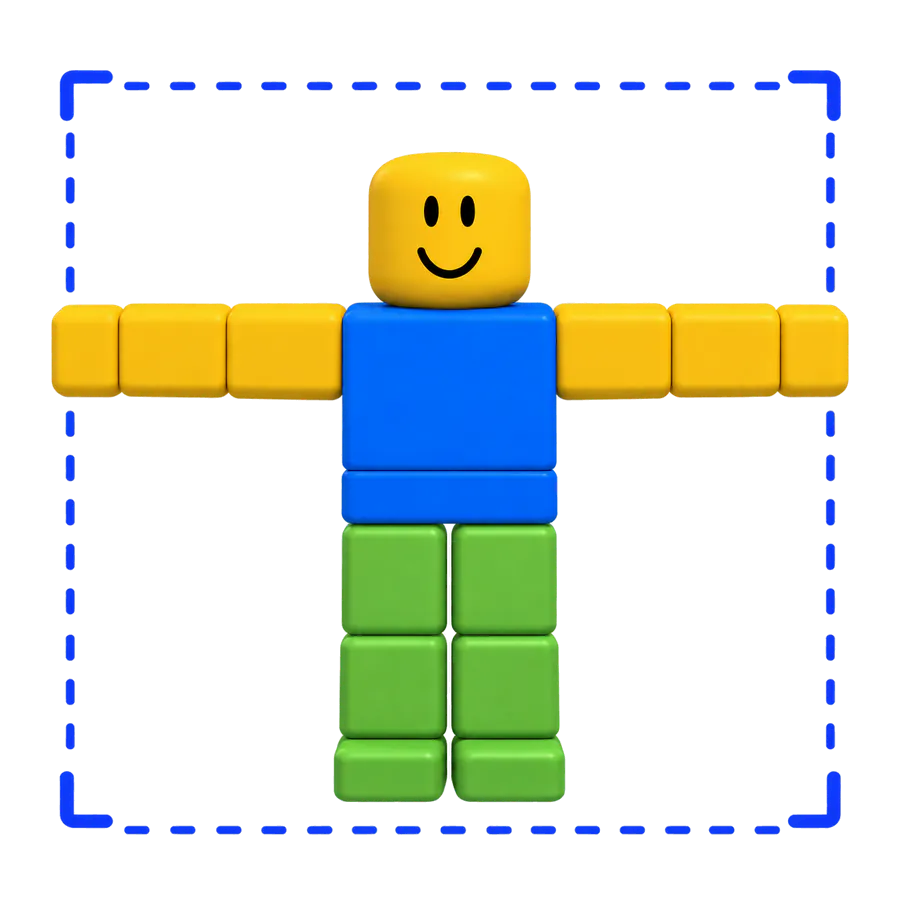
Can't find a move in Mixamo's library? MocapGen makes new ones, exported as Mixamo FBX too, so it works as a Mixamo alternative.
Type a move, preview 4 variations, and send the best one to Studio. This Roblox animation maker gives signed-in users a free preview every day.
Start with a promptFrom 4 credits · 7-day refund · Not affiliated with Roblox Corporation.